
Effective Website Structure & Navigation Design for SEO
A website that’s easy to navigate and organized can help improve Google rankings. Simple menus, logical page layouts, and content that is easy to follow help visitors get the information they need without confusion. Google favors sites that give a smooth experience, including fast pages, mobile-friendly design, and clear navigation. When a site is structured for real users and practical use, it helps search engines understand your content. This not only makes the site easier for people but also supports better performance in search results.
1. Clear Website Architecture
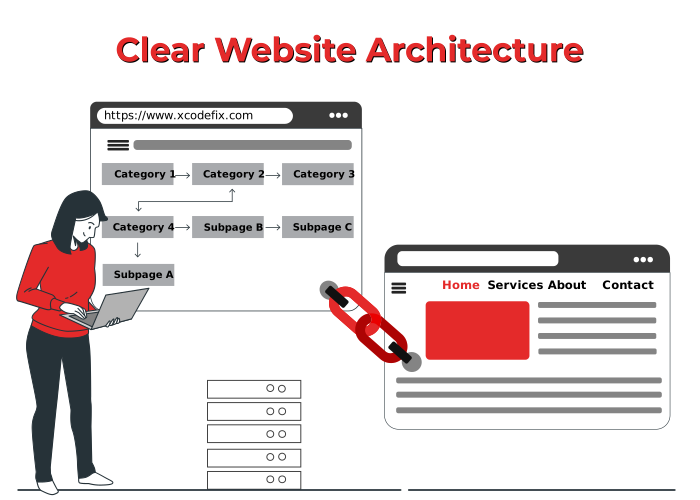
Logical page arrangement and structured menus guide users through your website while helping Google understand each page.
Key points
Site hierarchy: Arrange pages logically so users can find information quickly.
Site navigation: Use clear menus and links to help visitors move through your site.
URL structure: Keep URLs simple, descriptive, and organized by categories.
Internal linking: Connect related pages to help users and search engines explore your content.
Example: An e-commerce website with sections like Books → Fiction → Mystery guides users to products quickly and supports Google in crawling pages efficiently.
A logical website structure keeps visitors engaged and supports better search engine performance naturally.
2. User-Friendly Navigation
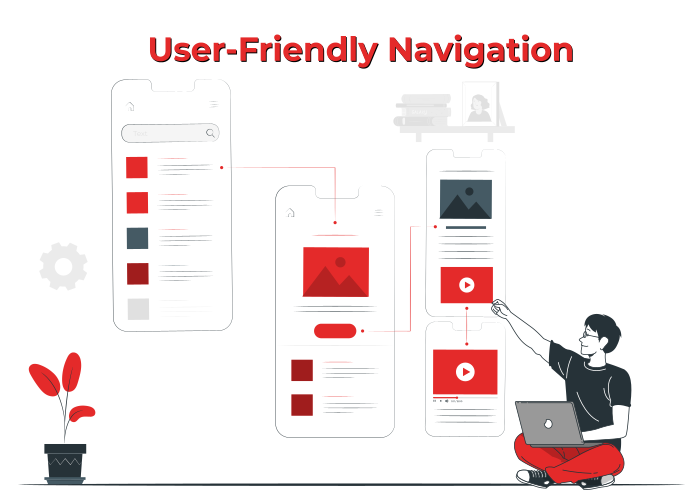
Clear menus and breadcrumbs guide users smoothly through content while supporting Google in crawling your site efficiently.
Key points
Easy navigation: Use clear menus and links so visitors can move around effortlessly.
Breadcrumbs navigation: Show users their location within your site for better context.
User-friendly design: Make search bars and menus easy to use on desktop and mobile.
Example: A blog with labeled categories and a working search bar lets readers locate articles quickly and improves SEO.
Smooth, intuitive navigation encourages users to stay longer and supports Google in indexing your content correctly.
3. Fast Loading Speed & Mobile Responsiveness
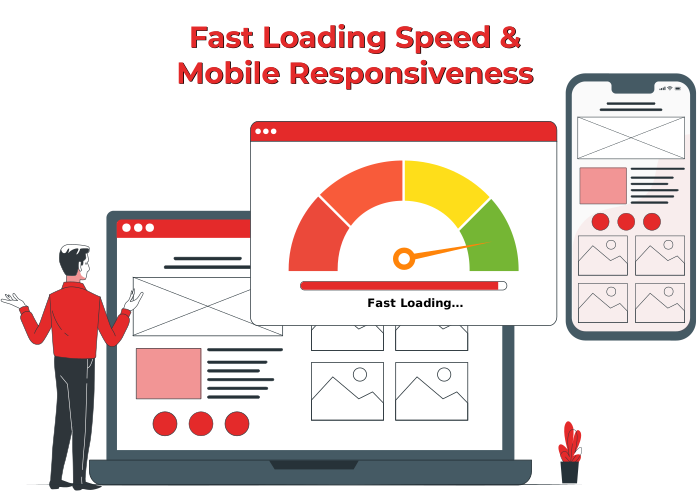
Loading speed and mobile responsiveness keep users satisfied while allowing Google to assess and rank your pages accurately.
Key points
Page load time: Quick-loading pages prevent user frustration.
Mobile optimization: Ensure menus, content, and images adjust for mobile screens.
SEO signals: Google uses Core Web Vitals to measure site performance.
Actionable steps: Use image compression, script reduction, and browser caching.
Example: A blog that adapts menus, content, and images for mobile screens ensures visitors can access pages easily.
Optimizing fast, responsive pages improves usability and supports stronger SEO performance.
4. SEO-Friendly URLs & Internal Linking
Organized URLs and a solid internal linking strategy keep users engaged and support accurate search engine ranking.
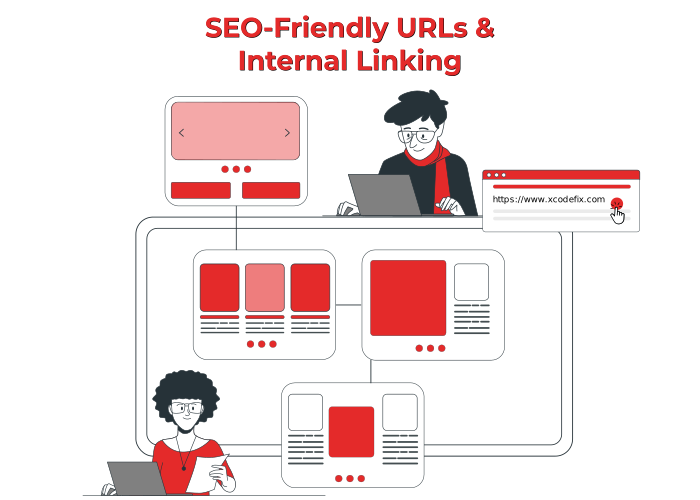
Key points
SEO-friendly URLs: Use readable, descriptive URLs like /seo-tips instead of random codes or numbers.
Internal linking strategy: Link related pages to improve crawlability and spread page authority.
Link structure: Thoughtful connections between pages guide users and reinforce context for search engines.
Example: Linking a blog post about website structure to a page on navigation design helps users find related content and signals relevance to Google.
Thoughtful URLs and internal links keep your site organized and naturally improve SEO performance.
5. Content Optimization with Keywords & LSI Terms
Using primary keywords with LSI terms and synonyms guides readers while helping Google understand your content clearly.
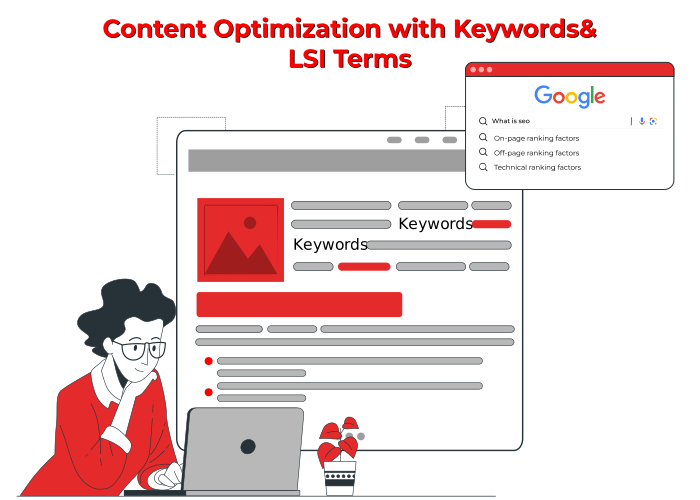
Key points
Content optimization: Naturally include main keywords to signal page topic without overstuffing.
Keyword strategy: Use supporting phrases and variations to reinforce the main topic naturally.
Search intent alignment: Match content to informational, transactional, or navigational queries.
Readable content: Keep sentences clear and practical so users can understand easily.
Example: Using related terms like “site structure,” “website architecture,” and “navigation design” within content improves user understanding and search engine context.
Thoughtful keyword use and LSI integration make your content more valuable for readers and improve search engine performance naturally.
6. E-E-A-T Principles & Trust Signals
Showing expertise and trust signals makes your website more authoritative and easier for Google to evaluate.
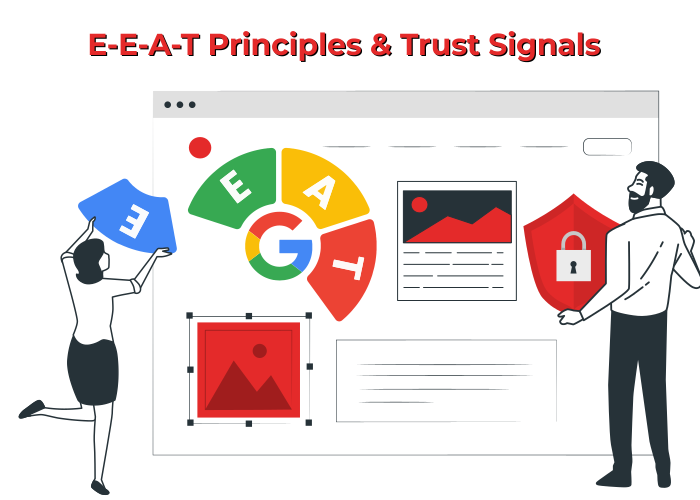
Key points
Authoritative website: Highlight author experience, qualifications, or relevant background to establish authority.
Trust signals: Display evidence such as expert quotes or industry approvals to increase trust.
Expert content: Use credible references and research to show accuracy and authority.
Example: Adding expert quotes, linking to reputable sources, or including research references helps users trust your content and boosts rankings.
Showing expert insights and reliable references keeps your site credible and naturally supports better search engine rankings.
Boost SEO & Engagement with a Well-Structured Website
A site that’s easy to navigate and has clear, organized content helps visitors find what they need and makes it easier for Google to rank your pages. Xcodefix shows that focusing on navigation, fast loading, mobile-friendly design, SEO-friendly URLs, internal linking, and trust signals can improve both user experience and search performance. Doing this makes it simple for visitors to explore your site, find what matters to them, and get value from every page.