
Hospital SEO Services to Rank Higher on Google & Maps
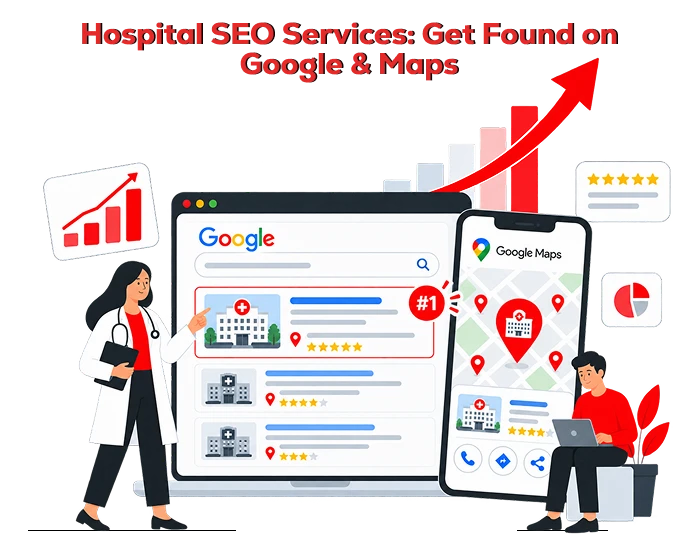
When seeking medical help, most people tend to search on Google first. Searches such as "nearest hospital," "top multispeciality hospital in [City]," "nearest 24-hour emergency hospital," or "nearest cardiologist in [Location]" tend to direct patients straight to Google Maps and Google local search results.
Visibility in Google maps is now mandatory for hospitals. A well-optimised Google map listing and local SEO will help you attract more patients, give them directions to your location, phone your receptionist, book an appointment and trust in your hospital even before visiting you.
In this guide, we will show how to list your hospital in Google Maps and make sure that it ranks on the first page of Google.
1. Create or Claim Your Google Business Profile
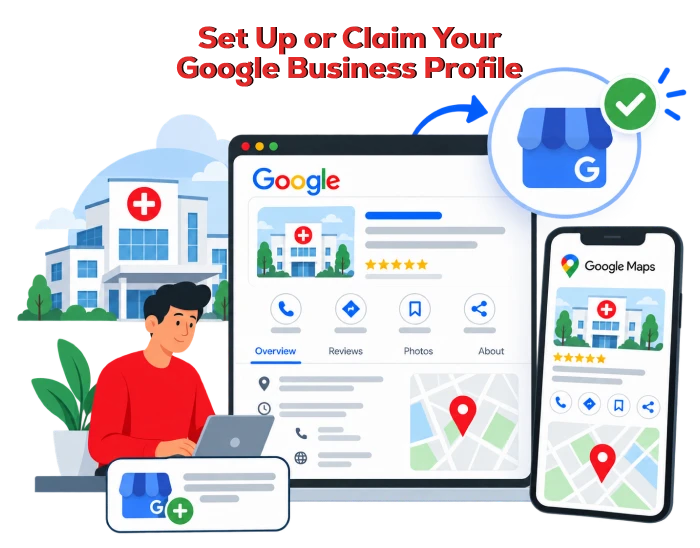
First, you need to create or claim a Google Business listing. A business listing is the tool that will allow your hospital to be visible in Google Search and Google Maps.
Check if there is any listing of your hospital in Google Maps before creating a new listing. In case there is one, claim it instead of creating a new listing since duplication of listings is possible and it will confuse patients.
When setting up the profile, use your official details:
-
Hospital name exactly as displayed on your signboard and website
-
Correct street address and map pin location
-
Main phone number with country and area code
-
Official website URL
-
Accurate opening hours
-
Emergency or 24/7 availability, if applicable
-
Appointment booking link
-
Hospital category and relevant service categories
Use the real hospital name only. Avoid adding promotional phrases such as “Best Hospital in Chennai” or “Top Cancer Hospital Near Me” to the business name unless they are genuinely part of the registered brand name.
2. Choose the Most Relevant Hospital Category
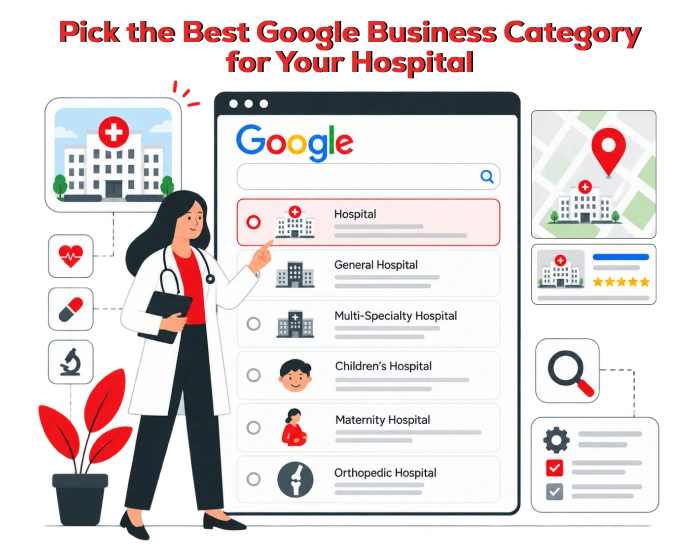
Your Google Business Profile category tells Google what type of healthcare organisation you are. It also helps Google decide when to show your hospital for relevant searches.
Choose the most accurate primary category available, such as:
-
Hospital
-
General hospital
-
Multispeciality hospital
-
Children’s hospital
-
Maternity hospital
-
Orthopaedic hospital
-
Eye hospital
-
Cancer treatment centre
-
Heart hospital
-
Emergency care facility
You can add relevant secondary categories, but do not add every possible healthcare category. Only include services your hospital genuinely provides.
For example, a multispeciality hospital may use “Hospital” as its primary category and add relevant specialties such as:
-
Cardiology
-
Orthopaedics
-
Paediatrics
-
Gynaecology
-
Neurology
-
Physiotherapy
-
Diagnostic centre
-
Emergency care
A specific and accurate category improves relevance for local searches.
3. Complete Every Detail in Your Google Business Profile
An incomplete profile makes it harder for Google and patients to understand your hospital. Complete as many relevant fields as possible.
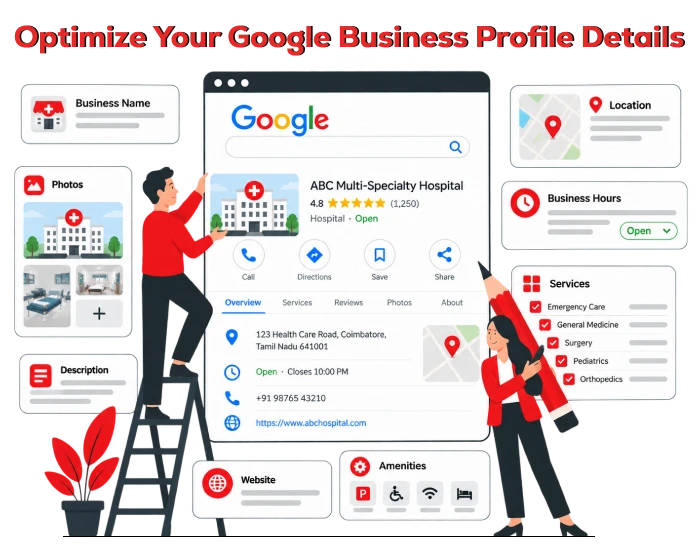
Your hospital profile should include:
-
Hospital description
-
Address and landmark details
-
Main contact number
-
Emergency contact number
-
Website and appointment page
-
Opening hours
-
Holiday hours
-
Doctor consultation hours
-
Accepted insurance details
-
Payment methods
-
Accessibility information
-
Wheelchair access details
-
Parking availability
-
Ambulance availability
-
Specialities and treatments
-
Photos and videos
Your description should explain what makes the hospital useful to patients. Focus on genuine services, facilities, specialties, and patient convenience.
Example Hospital Description
[Hospital Name] is a multispeciality hospital in [City] providing medical care across cardiology, orthopaedics, paediatrics, gynaecology, general medicine, diagnostics, and emergency services. Our experienced doctors, trained nursing team, modern diagnostic facilities, and patient-focused care help families access timely treatment in [Location].
Avoid unsupported claims such as “the number one hospital,” “100% guaranteed treatment,” or “best doctors in India.” Healthcare marketing should be factual, ethical, and easy for patients to verify.
4. Add High-Quality Hospital Photos
Photos are one of the easiest ways to make your hospital listing more trustworthy and engaging. Patients want to see the facility before visiting, especially when choosing a hospital for surgery, maternity care, diagnostics, or long-term treatment.
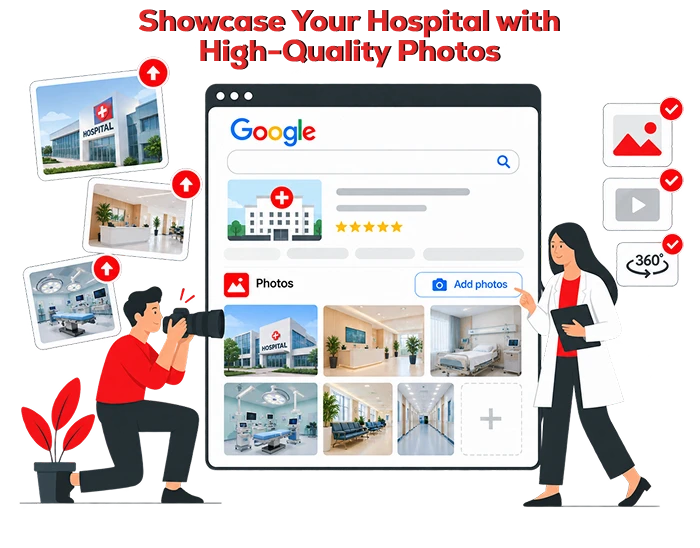
Add original, high-quality photos of:
-
Hospital exterior and entrance
-
Reception area
-
Waiting rooms
-
Consultation rooms
-
Emergency department
-
Operation theatre areas, where appropriate and permitted
-
Diagnostic equipment
-
Patient rooms
-
Pharmacy
-
Ambulance
-
Parking area
-
Doctors and staff
-
Accessibility features
-
Signboards and landmarks
Use real photos rather than stock images. Real images help patients recognise the building, find the entrance, and feel more confident about booking an appointment.
Update photos regularly when you add new departments, facilities, equipment, or renovated spaces.
5. Keep Name, Address, & Phone Number Consistent
Your hospital’s name, address, and phone number must remain consistent across the internet. This is commonly called NAP consistency.
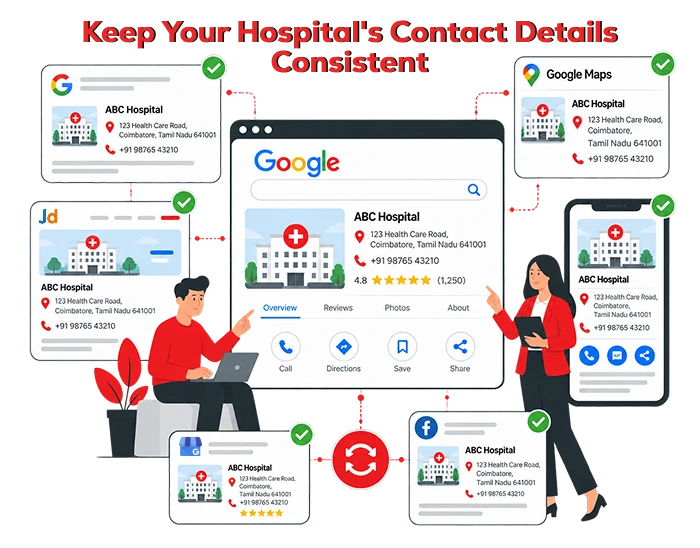
Google compares information from your website, Google Business Profile, healthcare directories, social media accounts, hospital listings, insurance networks, and other online sources. Conflicting information can reduce trust and confuse patients.
Make sure the following details match everywhere:
| Information | What to check |
|---|---|
| Hospital name | Use the same official spelling and format |
| Address | Match building number, street, locality, city, and PIN code |
| Phone number | Use the same primary number across listings |
| Website URL | Link to the official hospital website |
| Working hours | Update holiday, emergency, and consultation hours |
| Map location | Ensure the Google Maps pin is placed correctly |
If your hospital has changed location, phone number, name, or operating hours, update all major online listings as soon as possible.
6. Build a Hospital Website That Answers Patient Questions
Google Maps can bring patients to your listing, but your website helps your hospital rank for more detailed search terms.
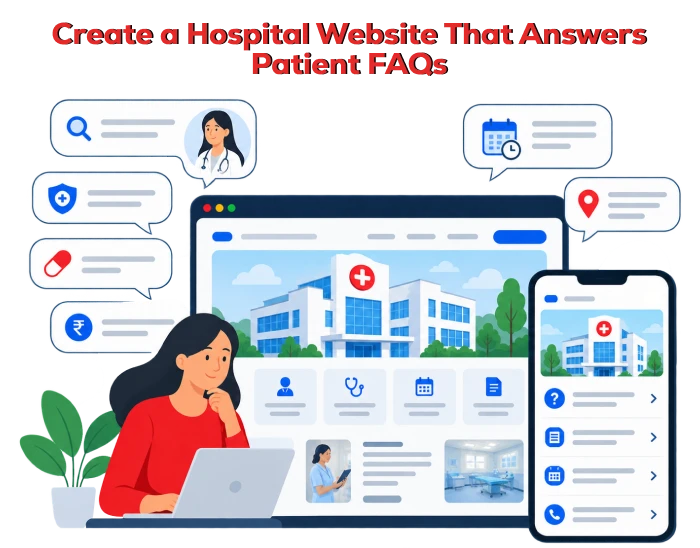
Your website should include useful pages for:
-
Hospital overview
-
Each medical speciality
-
Individual doctor profiles
-
Treatments and procedures
-
Emergency care
-
Diagnostic services
-
Health packages
-
Insurance and cashless treatment
-
Appointment booking
-
Contact and location pages
-
Patient resources
-
Frequently asked questions
-
Blog articles and health education content
For example, instead of having one broad page for “Orthopaedics,” create helpful pages for services such as:
-
Knee replacement surgery in [City]
-
Sports injury treatment
-
Fracture treatment
-
Spine surgery
-
Arthritis treatment
-
Paediatric orthopaedics
Each page should provide clear, medically reviewed information. Include the relevant doctor, available treatments, appointment process, location, and patient support details.
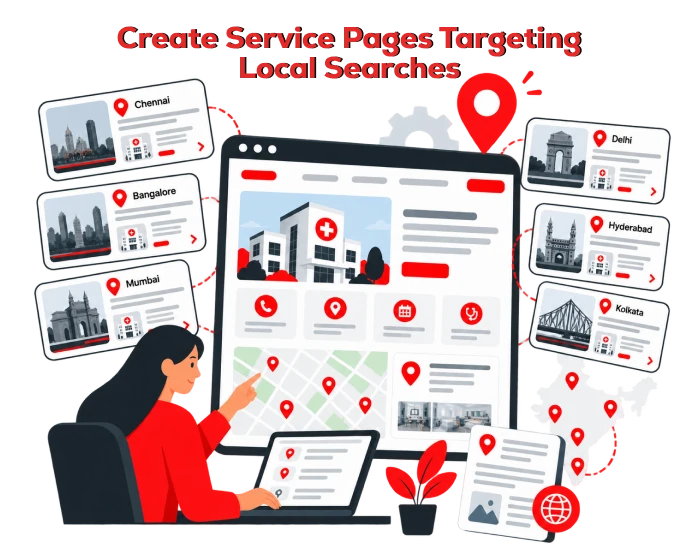
7. Create Location-Based Service Pages
If your hospital serves patients from several nearby areas, create useful location-focused pages. These pages can help you target searches such as:
-
Multispeciality hospital in [Area]
-
Emergency hospital near [Location]
-
Maternity hospital in [City]
-
Orthopaedic hospital near [Landmark]
-
24-hour hospital in [Area]
However, avoid creating dozens of thin pages that only change the city name. Each page should offer unique and useful information.
A high-quality location page can include:
-
Hospital address and directions
-
Nearby areas served
-
Available departments
-
Doctor availability
-
Emergency care details
-
Transport and parking information
-
Appointment phone number
-
Frequently asked questions from local patients
8. Add Local Business and Hospital Schema Markup
Schema markup allows Google to interpret the most relevant details on your website, such as name, address, phone number, business hours, services, and location.
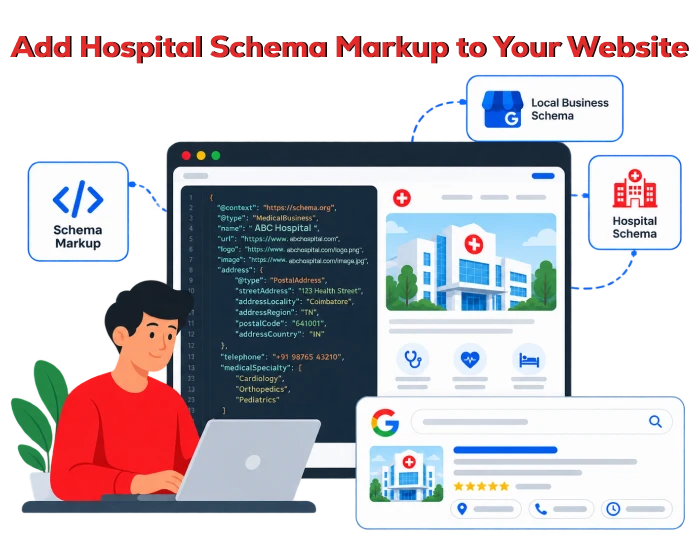
Google advises choosing the most specific LocalBusiness subtype and providing details such as name, address, phone number, website URL, geo coordinates, and business hours. After you’ve embedded schema markup, you need to test it using Google's Rich Results Test and the URL Inspection Tool in Search Console.
For a hospital website, your developer can consider adding structured data for:
-
Hospital
-
MedicalOrganization
-
MedicalClinic
-
Physician
-
MedicalSpecialty
-
LocalBusiness
-
FAQPage
-
BreadcrumbList
Schema does not guarantee first-page rankings. However, it improves data clarity and can support better search visibility when combined with useful content, strong technical SEO, and accurate local information.
9. Collect Genuine Patient Reviews
Reviews can influence patient trust. A hospital with recent, authentic feedback often appears more credible than a listing with no reviews or outdated reviews.
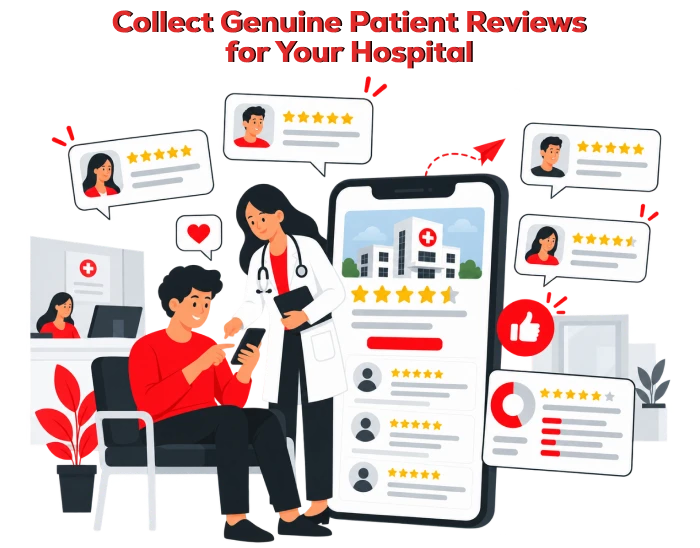
Create a simple review-request process after a patient’s visit or discharge. You can request feedback through:
-
SMS follow-up messages
-
Email follow-ups
-
Reception desk QR codes
-
Appointment confirmation messages
-
Patient feedback forms
-
Discharge communication
Never offer cash, gifts, discounts, or incentives in exchange for reviews. Do not ask only happy patients for reviews while preventing others from leaving feedback. Request honest feedback from patients in a fair and consistent way.
For healthcare providers, review responses require extra care. Do not disclose personal health information or confirm that a reviewer is or was a patient. A safe response may be:
As mentioned by Google itself, the support community says that it is not possible at this time to turn off public review and star ratings for health care professionals, so hospitals should concentrate on reporting the violations in a privacy-sensitive manner.
10. Publish Useful Health Care Content on a Regular Basis
A blog site of a hospital can bring in people who are looking for information about symptoms, treatments, specialists, recovery, and prevention.
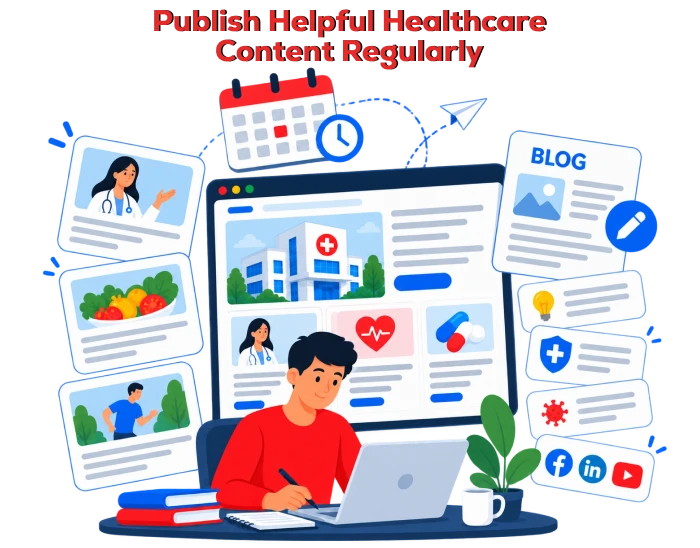
Useful blog topics include:
-
When should you visit an orthopaedic doctor for knee pain?
-
Signs of a heart attack that require emergency medical attention
-
What to expect during a normal delivery
-
How to prepare for a health check-up
-
Symptoms of dengue that need immediate care
-
When should children see a paediatrician?
-
Tips for managing diabetes during festivals
-
How to choose the right specialist for back pain
Every medical article should be accurate, reviewed by a qualified healthcare professional, and updated when medical guidance changes. Add the doctor’s name, qualification, department, and review date where appropriate.
This approach builds trust with patients and gives Google stronger evidence that your hospital provides useful, reliable healthcare information.
11. Earn Local Mentions and Directory Listings
Your hospital should appear in reputable local and healthcare directories. These listings can help Google verify your hospital’s information and improve local discovery.
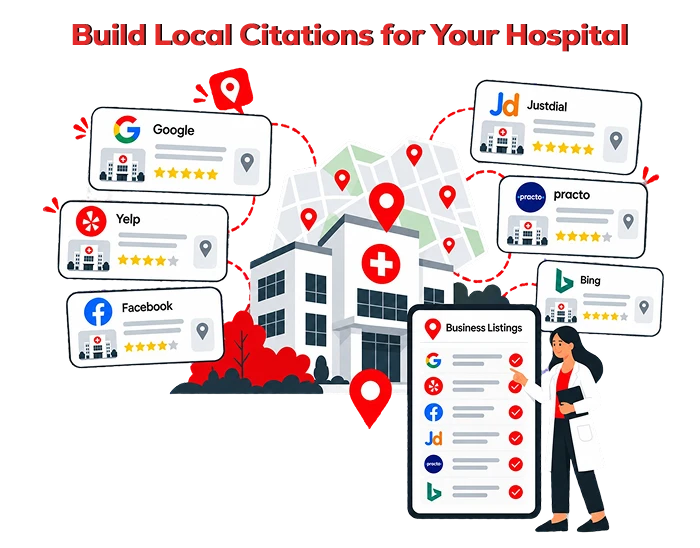
Consider relevant listings on:
-
Healthcare directories
-
Insurance provider networks
-
Government healthcare portals
-
Local business directories
-
Medical association websites
-
City business portals
-
Hospital accreditation directories
-
Local news websites
-
Community and charity partnership pages
Ensure the information is accurate on every platform. Remove duplicate, outdated, or incorrect listings wherever possible.
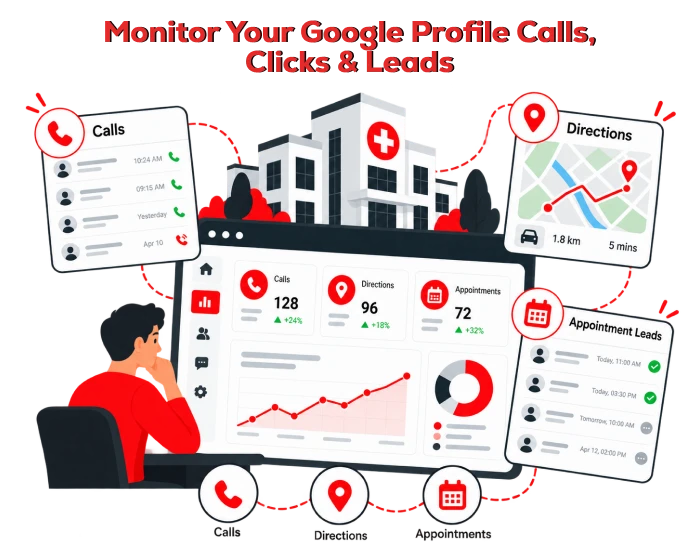
12. Track Calls, Directions, and Appointment Leads
You cannot improve what you do not measure. Monitor the performance of your Google Business Profile and website regularly.
-
Google Maps views
-
Google Search views
-
Phone calls from Google
-
Website clicks
-
Direction requests
-
Appointment bookings
-
Top local search queries
-
Service page rankings
-
Organic website traffic
-
Review volume and sentiment
-
Conversion rate from hospital pages
Use Google Business Profile performance insights, Google Search Console, and Google Analytics to identify what patients are searching for and where your hospital can improve.
How Long Does It Take to Rank a Hospital on Google?
There is no fixed timeframe. A new hospital listing may begin appearing on Google Maps after verification, but first-page visibility depends on many factors, including:
-
Competition in your city
-
Distance from the searcher
-
Relevance of your services
-
Completeness of your Google Business Profile
-
Website quality
-
Reviews and patient trust
-
Local citations
-
Content quality
-
Technical SEO
-
Strength of nearby competitors
Focus on consistent improvements rather than quick-ranking promises. A hospital that keeps its details accurate, earns genuine reviews, publishes useful information, and maintains a technically sound website is more likely to improve its visibility over time.
Understanding SEO's Benefits for Business Growth
Getting your hospital on Google Maps is the first step. Ranking on Google’s first page requires a long-term local SEO strategy built around accurate information, patient convenience, credible medical content, and a strong digital presence.
At Xcodefix, we help hospitals improve their visibility on Google Maps and search results through focused local SEO strategies. We optimize Google Business Profiles, build service and location focused pages, strengthen online reviews, and create healthcare content that helps patients find the right services.
Our goal is to improve your hospital’s local visibility, build patient trust, and make it easier for people to find your hospital when they are looking for care. Ready to improve your hospital’s visibility on Google? Contact Xcodefix for GBP optimization services and start reaching more patients in your local area.